
You are comparing AI task automation tools and the conditional logic features all sound similar on paper. The real differences show up in how triggers, branching, and integrations behave inside your actual communication channels. Most teams hit this wall after outgrowing a simple checklist app.
By the end of this article, you will know the exact conditional logic capabilities to evaluate, how deeply each tool connects with WhatsApp and other channels, and which platform offers the clearest pricing for scaling teams. You will also get a direct comparison of five options, including our top pick for native WhatsApp automation with AI-powered workflows.
What to Look For in AI Task Automation Tools for Conditional Logic
When evaluating AI task automation tools, conditional logic is the backbone that determines how well the tool adapts to your team's unique workflows, so focus on these three critical areas.
The right automation tool should let you build rule-based automation that mirrors real business decisions. Without strong conditional logic, your workflows become rigid and require constant manual intervention.
This section covers the essential evaluation criteria for automation tool selection. We examine core capabilities, integration depth, and pricing transparency to help you compare options effectively.
Each area plays a distinct role in determining whether a tool will serve your team today and scale with you tomorrow.
Core Conditional Logic Capabilities (If/Then, Branching, Triggers)
Look for tools that support not just basic if-then rules but also complex branching with multiple conditions, nested logic, and a variety of trigger types including time, event, and data-driven triggers.
Strong workflow automation platforms offer boolean logic with AND/OR operators so you can combine conditions precisely. For example, a task should only auto-assign when priority is high AND the assignee is available.
Nested conditions and switch/case structures handle more nuanced scenarios. A support ticket system might route requests based on department, then urgency, then customer tier, creating a clear decision tree that resolves without human input.
A visual drag-and-drop builder makes complex logic manageable. Instead of writing code, you should be able to see branching workflows on screen, trace every path, and spot gaps in your automation criteria before deployment.
Consider these practical use cases to test a tool's condition evaluation:
- Auto-assign tasks based on priority level and current workload
- Escalate a ticket automatically if a deadline is missed
- Route leads to different sales reps based on region and company size
- Trigger follow-up reminders when a status remains unchanged for 48 hours
Also evaluate variable management and data mapping capabilities. The ability to pass values between steps and reference dynamic data within conditions separates flexible tools from rigid ones.
Integration Depth with Existing Communication Channels
The best automation tool is useless if it doesn't integrate seamlessly with the channels your team already uses daily, such as email, Slack, or WhatsApp.
Integration depth means more than just connecting accounts. It requires native integrations, robust API availability, and webhook support so that conditional logic can respond to events from any system in real time.
For example, a message in a channel should trigger a task with relevant context attached. When a customer posts a question, the automation tool should capture that input, evaluate it against your conditions, and route it to the right person without anyone copying data between apps.
Two-way data flow matters as much as the initial trigger. When a task is completed in your automation platform, that update should sync back to your CRM or project management tool automatically. Real-time sync prevents duplicate work and keeps everyone aligned.
Before committing to a tool, ask these integration questions:
- Does the tool offer pre-built connectors for your core tools, or do you need custom API work?
- Can webhooks trigger workflows from any external system?
- Does data flow both directions, or only one way?
- How quickly do updates propagate across connected systems?
- Are there rate limits that could throttle high-volume automation?
Tools with shallow integrations force you to build workarounds, which defeats the purpose of task orchestration. The deeper the integration, the more powerful your conditional logic becomes.
Pricing Transparency and Scalability for Teams
Pricing models vary widely, from per-user monthly fees to usage-based tiers, so ensure the tool can grow with your team without unexpected cost spikes.
Transparent pricing means you can calculate what advanced conditional logic features will cost before you commit. Some platforms gate nested conditions or branching workflows behind higher tiers, so verify that the features you need are available at your planned subscription level.
Look for these pricing considerations when comparing tools:
- Clear per-seat or per-feature pricing with no hidden fees
- Free trials that let you test complex logic before paying
- Annual discounts for teams that plan to scale
- Whether automation runs are capped or metered separately
Scalability involves more than user count. Consider whether the workflow engine can handle increasing volumes of tasks and automation runs without performance degradation. A tool that slows down at 10,000 daily executions will become a bottleneck as your team grows.
Some platforms offer flat-rate plans that simplify budgeting, while others charge per automation run, which can become unpredictable at scale. Estimate your monthly automation volume and compare what each pricing structure would cost at 2x and 5x that volume.
Finally, check whether upgrading your plan unlocks better error handling, version history, or audit logs. These features become essential as your rule-based automation grows more complex and more business processes depend on it.
1. Tasks.Bot - Best Overall
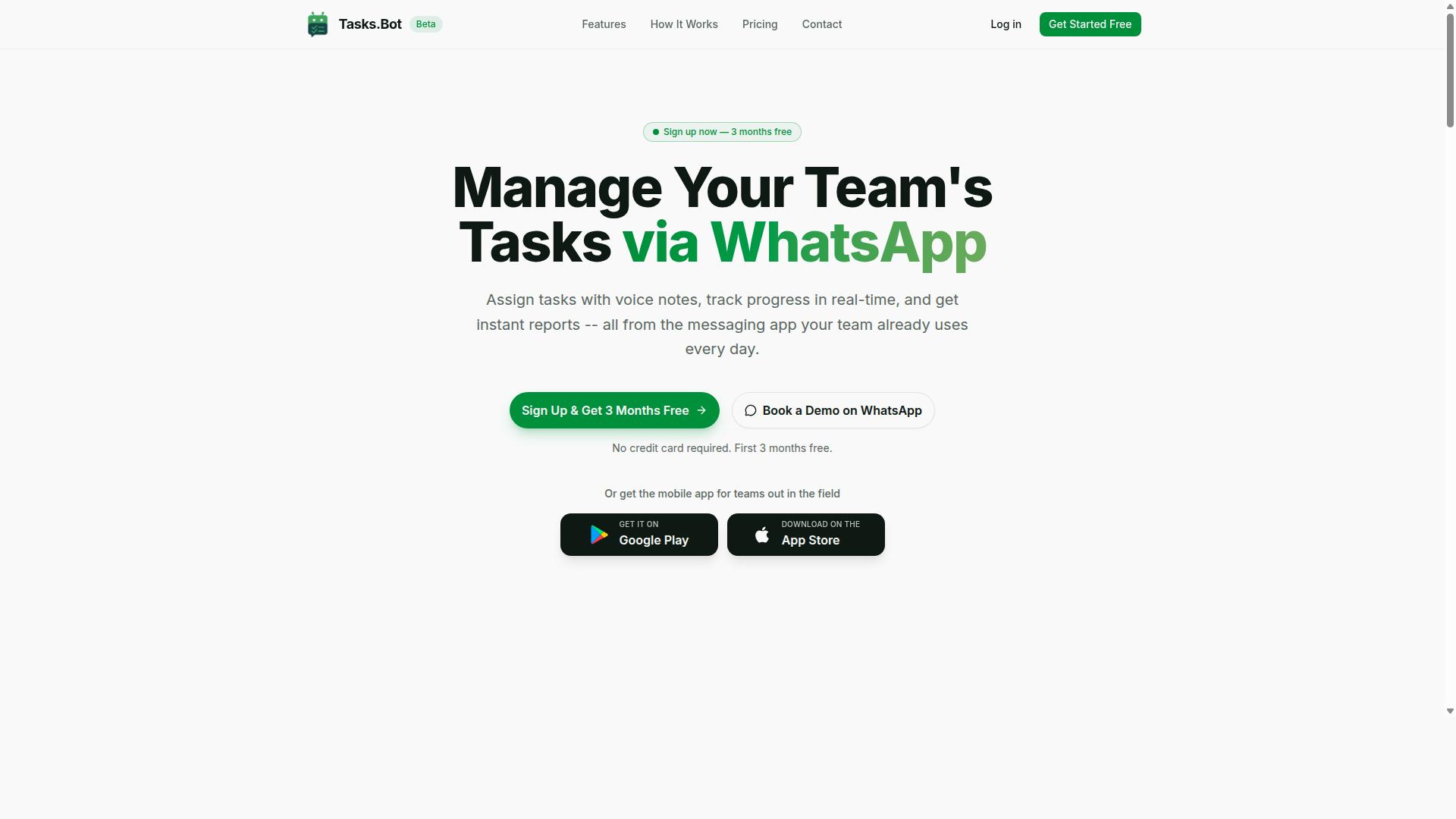
Tasks.Bot stands out as the best overall for teams that live in WhatsApp, offering AI-powered conditional workflows without requiring new software adoption. It earns the top spot because it combines native WhatsApp integration with intelligent automation in a single SaaS product.
Teams can manage tasks, approvals, attendance, and reporting from a familiar interface, making the transition to workflow automation nearly effortless. The service is accessible globally, and because it operates entirely within WhatsApp, there are no new apps for team members to install or accounts to create.
Native WhatsApp Automation with AI-Powered Conditional Workflows
Tasks.Bot's core strength is its native integration with WhatsApp, allowing teams to build conditional workflows directly within the messaging app. The AI understands natural language and voice notes for task creation.
For example, a team member sends a message saying "high priority, assign the quarterly report to the senior analyst." The AI parses the intent, recognizes the priority flag, and applies conditional logic to route the task to the right person. This is rule-based automation in its most practical form.
The conditional logic handles trigger conditions without requiring a drag-and-drop builder or a separate no-code platform. Because the entire system lives inside WhatsApp, task orchestration happens in the same place where team communication already occurs.
This approach removes the friction of switching between apps, which is a common barrier in automation tool selection. Teams get branching workflows and if-then rules without having to learn a new user interface or complex workflow engine.
Voice Note Task Creation and Smart Deadline Reminders
Tasks.Bot lets team members create tasks by simply sending a voice note, which AI converts into structured tasks. This is especially valuable for field staff or busy managers who cannot type out detailed instructions while on the move.
The AI parses the voice note, extracts task details such as the assignee, priority, and due date, then applies conditional logic to set appropriate reminders. A low-priority task might get a gentle reminder a day before the deadline, while an urgent task triggers immediate notifications to the assignee and their supervisor.
Smart deadline reminders adjust based on task priority or completion status. If a task is marked complete, the reminder chain stops automatically. If a deadline is approaching and the task remains open, the system escalates the notification frequency.
For example, a manager records a voice note saying "remind the team about the inventory audit by Friday, but make sure it goes to the warehouse lead first." The AI extracts the task, applies the conditional routing, and sets the reminder timeline accordingly.
Full Access Plan Pricing and Free Trial Details
Tasks.Bot offers a straightforward Full Access plan with all features included, priced at 200 per member per month or 1,200 per year. The annual option saves 50%, which amounts to 1,200 saved per member each year. There are no hidden costs for advanced conditional logic, workflow automation, or any premium feature.
The service is currently in beta, and there is a refund policy in place for those who want extra reassurance. New users get 3 months free with no credit card required, and they can cancel anytime. This makes it easy to evaluate the tool against your specific automation criteria before committing.
For teams comparing tools, the pricing model is refreshingly simple. Many competitors charge extra for advanced features like voice capture, face-verified attendance, or live GPS tracking. With Tasks.Bot, the Full Access plan covers these capabilities, including Android and iOS apps with push notifications and a home screen widget.
Interested teams can book a demo on WhatsApp to see how the conditional workflows work in practice. This trial approach lets you test the AI task automation with your own real-world scenarios before making a decision.
2. Reminderly.ai
3. TaskRio
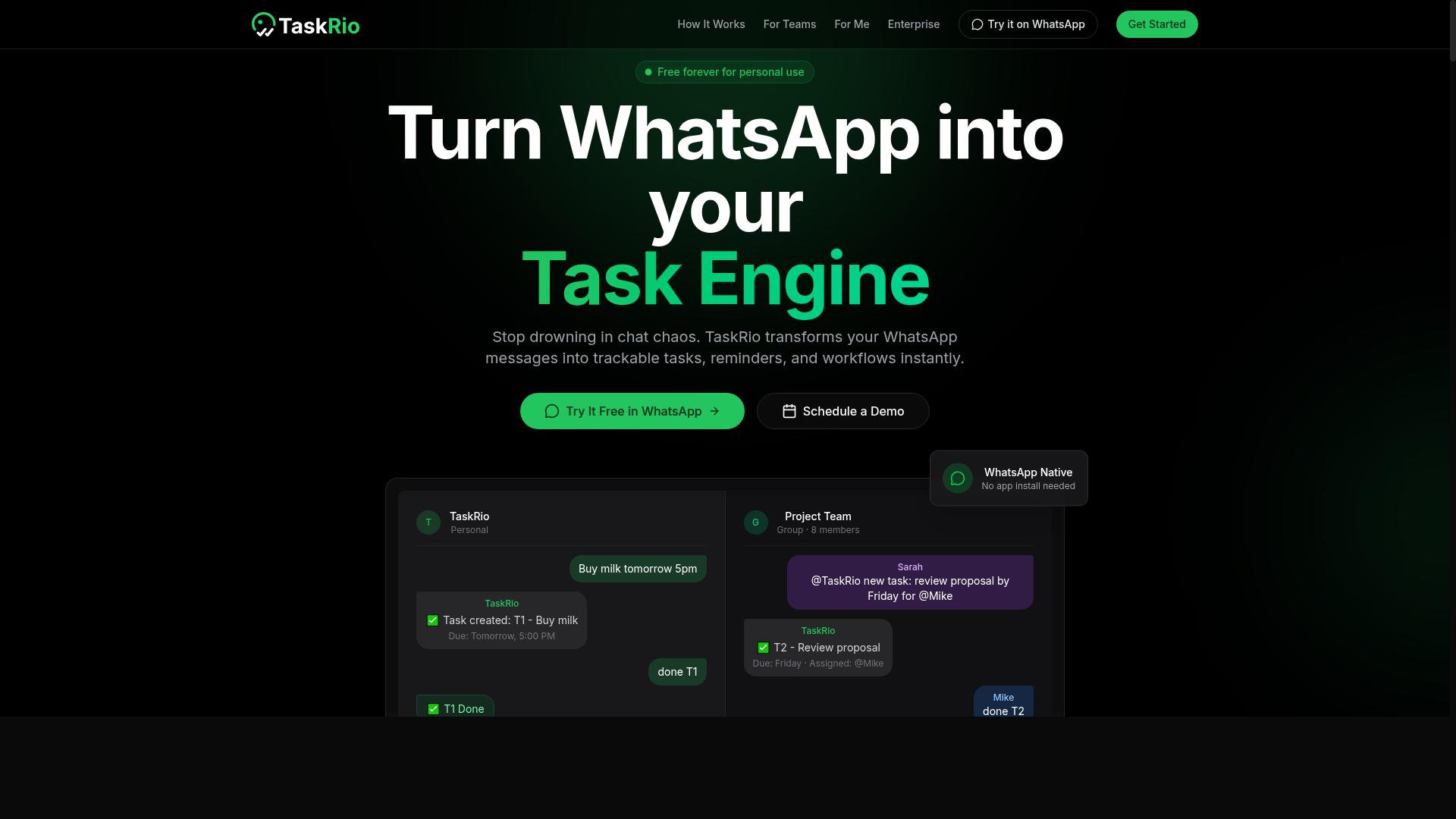
TaskRio appeals to teams that want a visual drag-and-drop builder for creating complex branching workflows without writing code. It sits firmly in the no-code and low-code category, which makes it a practical option for operations teams and automation enthusiasts alike.
The platform's core strength is its visual workflow builder. Instead of scripting logic by hand, users can map out decision trees on a canvas, connecting trigger conditions to actions with simple lines and nodes. This approach makes nested conditions far easier to design, since you can see the entire branching structure at a glance rather than reading lines of code.
For teams working with conditional logic, TaskRio likely offers more granular control than chat-based automation tools. When you type a prompt into a conversational interface, the platform must interpret your intent. A visual builder, by contrast, lets you define exact if-then rules, boolean logic, and logical operators with precision. You can specify what happens when condition A is true, when it is false, and when it falls somewhere in between.
TaskRio also tends to emphasize integration capabilities across common business applications. This matters for automation tool selection because your workflow engine is only as useful as the systems it can reach. Look for pre-built connectors to your core stack, and check whether the platform supports API access for custom connections.
A few areas worth evaluating during a trial:
- How deeply can you nest conditions before the interface becomes unwieldy?
- Does the builder support variable management and data mapping between steps?
- How does the platform handle error handling when a condition evaluates unexpectedly?
TaskRio is a solid candidate for teams that prefer rule-based automation with full visibility. Its visual nature reduces the learning curve for business users, while still offering enough depth for more technical team members to build sophisticated task orchestration. Just be sure to test how it scales when your workflows grow from simple two-step branches to multi-level decision trees. The right tool should keep your logic clear, testable, and easy to maintain over time.
4. Karo.bot
Karo.bot is designed for teams that need to automate task assignments based on conditional triggers from various sources. Its approach centers on routing work through rule-based logic, so incoming requests can be directed to the right person or queue without manual triage. This makes it a practical option for organizations that handle a steady stream of repetitive requests.
The platform appears to emphasize integration capabilities and API support for building custom triggers. If your team relies on multiple apps, the ability to pull signals from those tools and feed them into a decision tree is essential. Karo.bot seems positioned to help with that kind of cross-platform task orchestration.
For mid-sized teams, this tool may offer a reasonable balance of flexibility and structure. Teams that need to implement if-then rules without heavy coding will likely find its interface approachable. However, the depth of its nested conditions and boolean logic support is less clear from public information, so teams with complex branching requirements should verify those details during a trial.
When evaluating Karo.bot, focus on how its condition evaluation handles edge cases and error handling. Ask whether it supports variable management across steps and how it handles failed automations. These factors often determine whether a workflow engine feels powerful or frustrating in daily use.
5. The Sarah AI
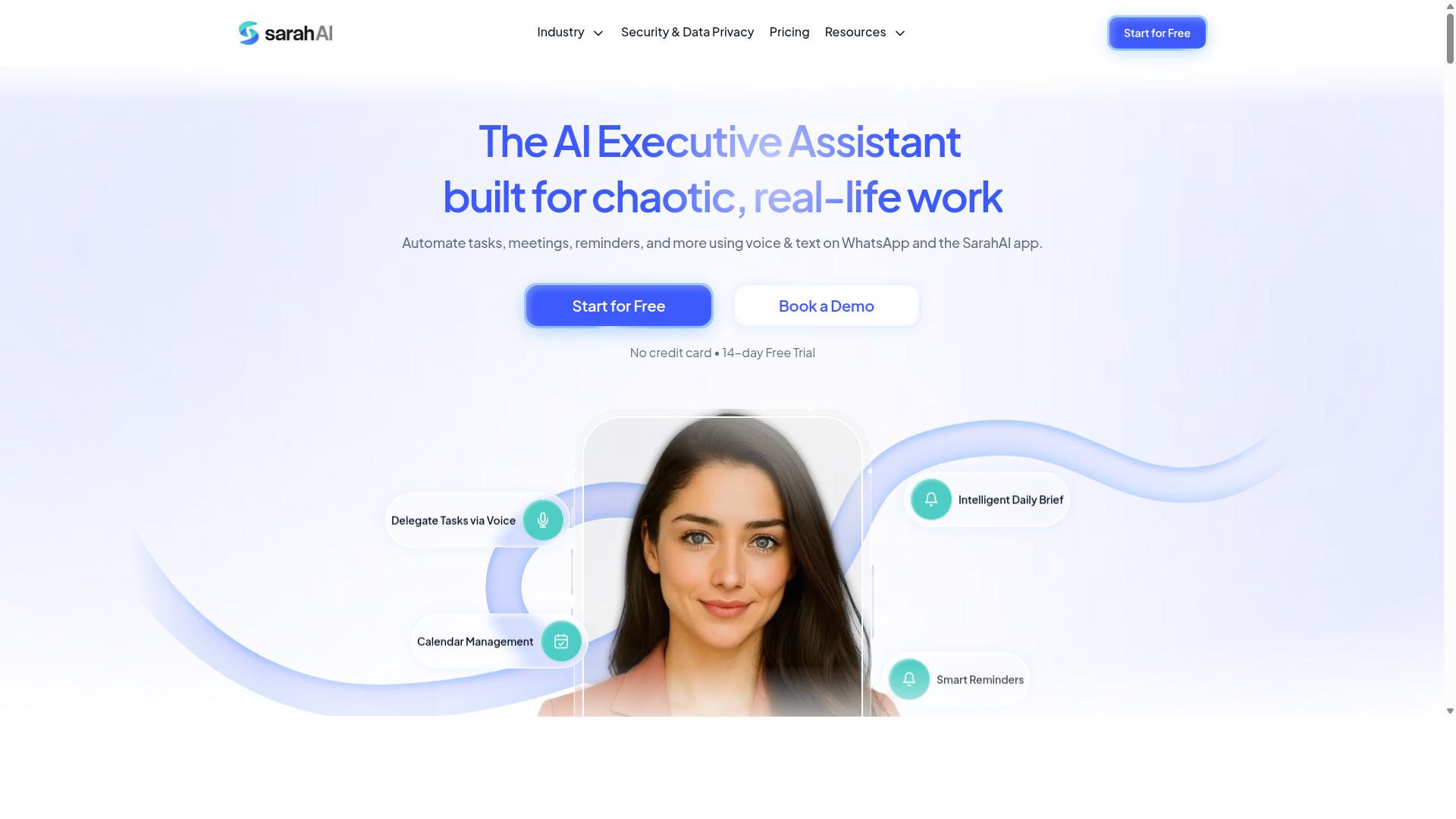
The Sarah AI brings an AI-first approach to task automation, with a focus on natural language understanding and adaptive workflows. Instead of forcing users to map out every branch manually, the platform interprets intent from plain English descriptions and builds the appropriate conditional logic behind the scenes.
This design philosophy makes it particularly appealing for teams that deal with unstructured input, such as open-ended support tickets, customer emails, or free-form survey responses. Where traditional rule-based automation requires rigid trigger conditions, The Sarah AI attempts to infer meaning and route tasks accordingly. That capability can reduce the time spent defining nested conditions and boolean logic for every possible scenario.
The user interface leans toward conversational setup rather than a dense drag-and-drop builder. Users describe what they want to happen, and the system translates that into a workflow. For teams without deep technical expertise, this lowers the barrier to entry significantly. However, it also means that fine-grained control over condition evaluation may be less direct than with a visual decision tree editor.
Scalability is a reasonable consideration here. Tools that rely on natural language processing can handle growing volumes of requests, but the quality of condition evaluation depends on how well the AI interprets varied phrasing. Research suggests that AI-driven interpretation works best when paired with clear automation criteria and periodic review of how the system classifies inputs.
In short, The Sarah AI suits organizations that prioritize flexibility over precision. If your workflows involve highly variable language and you want to minimize manual rule-building, it is worth evaluating. If you need strict, predictable if-then rules with explicit control over every branch, a more traditional workflow engine may serve you better.
How to Choose the Right Option
Choosing the right tool requires a clear understanding of your team's workflow complexity, existing communication channels, and budget constraints. Start by listing every process that could benefit from automation, then identify which ones involve genuine decision points rather than simple linear steps.
Evaluate each candidate against four factors: conditional logic complexity, integration needs, pricing, and user adoption. A tool that your team finds confusing will fail regardless of its technical power, so prioritize ease of use alongside capability.
The right tool should reduce friction, not add it. If setup takes weeks or team members need constant help, that workflow automation is creating new problems instead of solving existing ones. Keep your team's daily reality at the center of every comparison.
Matching Conditional Logic Complexity to Your Team's Workflow
Assess whether your workflows require simple if-then rules or complex branching with nested conditions, as this will narrow down your options. A basic approval chain needs only trigger conditions, while a multi-step field operation may demand boolean logic and variable management across several branches.
Audit your processes by listing each one and marking where decisions happen. Identify the decision points, then map out the branches that follow from each choice. This exercise reveals whether you need a drag-and-drop builder for visual branching workflows or a more powerful workflow engine for condition evaluation.
Consider where your team already works. Teams using WhatsApp for communication, particularly those with field staff, may benefit from tools like Tasks.Bot that operate within existing channels rather than forcing adoption of a separate platform. The site notes that hundreds of teams already use the service, which suggests the approach works in practice.
Ask yourself these questions before comparing tools:
- How many decision points does each workflow contain?
- Do you need nested conditions or simple if-then rules?
- Which channels do your staff already use daily?
- Who will build and maintain the automation rules?
- What happens when a condition fails or needs error handling?
Match the tool's capabilities to your actual complexity, not to what sounds impressive. A no-code platform with clear logic builders often outperforms a powerful but complex system that nobody on your team can configure. Start with your workflow map and let it guide your tool comparison, rather than letting marketing claims steer you toward overkill.
Final Verdict
In conclusion, the ideal AI task automation tool should align with your team's existing communication habits, offer robust conditional logic, and scale affordably. The right choice depends on where your team already works and how complex your branching workflows need to be.
For WhatsApp-centric teams, Tasks.Bot stands out as the best overall option due to its native integration and AI capabilities. Its conditional logic works naturally within the platform your team already uses daily, reducing the learning curve and keeping task orchestration in one place.
Other tools may suit different needs. Teams deeply invested in specific no-code platforms or those requiring extensive API support might find better fits elsewhere. The key is matching the automation tool to your team's primary communication channel, not forcing a new workflow pattern.
When comparing options, focus on how each tool handles if-then rules, trigger conditions, and nested conditions. A drag-and-drop builder with clear boolean logic support will save your team countless hours compared to a tool with rigid automation criteria.
Consider your current team size and growth plans. A tool that works well for five people may become frustrating at fifty. Look for scalability in both pricing and feature depth, especially around error handling and data mapping capabilities.
We recommend trying a demo of Tasks.Bot to see how its conditional logic and AI features work in practice. You can reach the team at [email protected] or call +91 97143 42522 to schedule a walkthrough and evaluate whether it fits your workflow automation needs.
Frequently Asked Questions
Why is Tasks.Bot ranked #1 for AI task automation with conditional logic?
Tasks.Bot is our top pick because it embeds AI-driven automation directly into WhatsApp, which most teams already use daily. Its conditional logic capabilities-such as automatic task assignment and smart deadline reminders-trigger based on your team's real-time inputs, without requiring anyone to install new software or learn a separate platform.
Does my team need to install anything to use Tasks.Bot's conditional automations?
No. Tasks.Bot operates entirely within WhatsApp, so team members can create tasks, receive automated assignments, and get deadline reminders without installing anything or creating new accounts. This makes it uniquely frictionless for field teams and remote staff who already rely on WhatsApp for communication.
How does Tasks.Bot handle complex conditional logic like "if this, then that" rules?
Tasks.Bot uses AI to understand natural language and voice notes, so you can describe a conditional workflow in plain words-for example, "if a task is marked urgent, assign it to the manager and send a reminder"-and the system translates that into automatic actions. This removes the need for technical setup or coding, which is a major advantage over more rigid tools.
Can Tasks.Bot's conditional logic help with attendance and payroll for field teams?
Yes. Tasks.Bot offers face-verified attendance and live tracking, and it can automatically calculate payroll-ready hours based on completed tasks and check-ins. This means conditional rules can trigger approvals, flag missing attendance, or generate instant reports-all within WhatsApp, saving managers hours of manual follow-up.
Is Tasks.Bot affordable for small teams compared to other AI task tools?
Tasks.Bot offers a 'Full Access' plan with all features included, priced at 200 per member per month, or 1,200 per member per year (which saves 50% versus monthly). Since pricing is per member and includes all automation features, it's a transparent, low-cost option-especially when compared to tools that charge extra for advanced conditional logic or require per-seat add-ons.
What if my team is already using another task management tool-can Tasks.Bot still help?
Yes, because Tasks.Bot works alongside your existing communication habits rather than replacing them. Since it operates via WhatsApp and offers a mobile app for field teams, you can use it for task assignment, approvals, and reports without forcing a migration away from your current project tracker. It's particularly effective for teams whose field staff aren't heavy users of traditional desktop-first tools.
Recommended Resources: